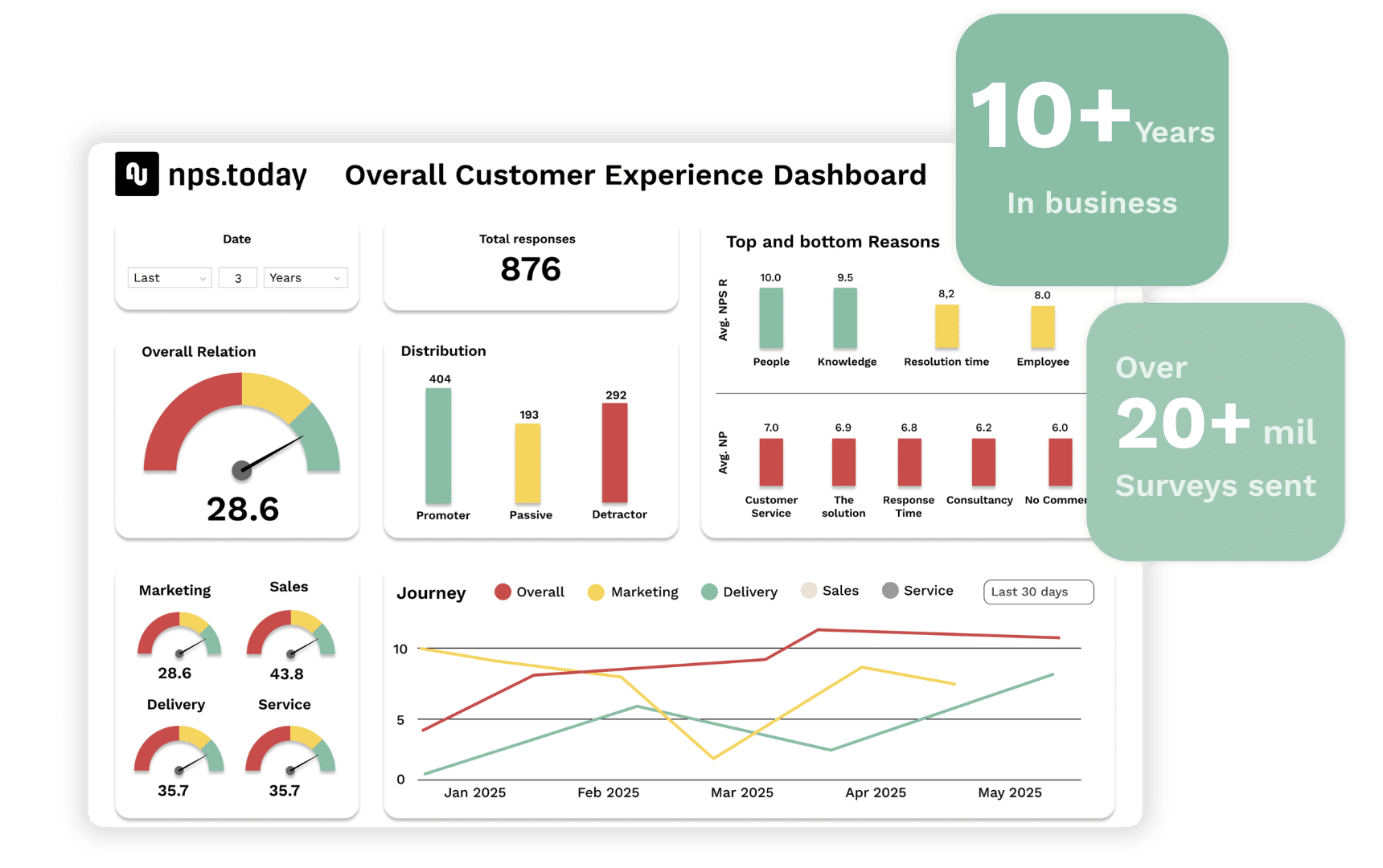
CX AI & Insights
ENRICH – UNDERSTAND – SHARE
With built in AI insights and Power Dashboards
- Insights for Customer Relationship Management
- Insights for recovery actions and operational CX
- Insights for fact-based decisions and transformation
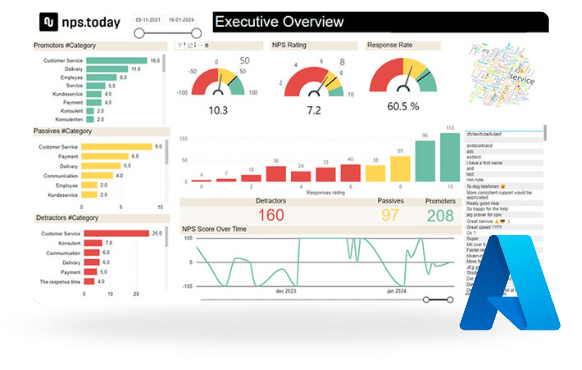
Measure – Understand – Act
To make the right decisions for your business and customers – and to act accordingly – you first need to understand the feedback your measurements generate. nps.today Insights makes it simple and easy to:
- Enrich responses
- Understand responses
- Share responses
AI Feedback Assistant
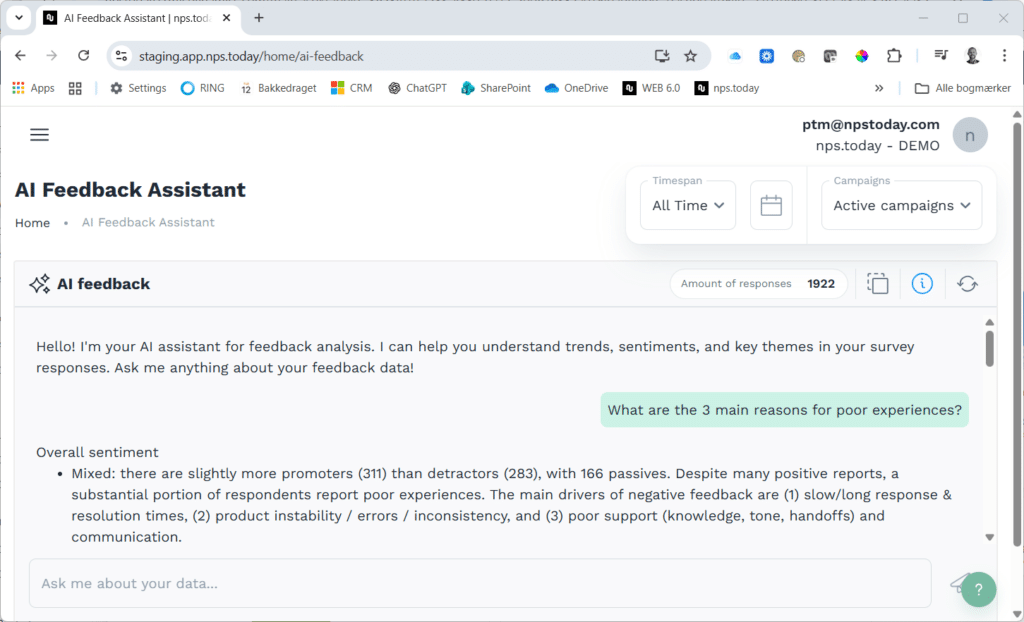
Just ask and get answers. The nps.today AI Feedback Assistant is built and trained for NPS, CSAT and CES.
Now you can get immediate answers to questions like:
- Give me the 3 main reasons for bad experience?
- What is the primary reason?
- What is the recommended top 3 actions to improve customer satisfaction
Power Dashboards
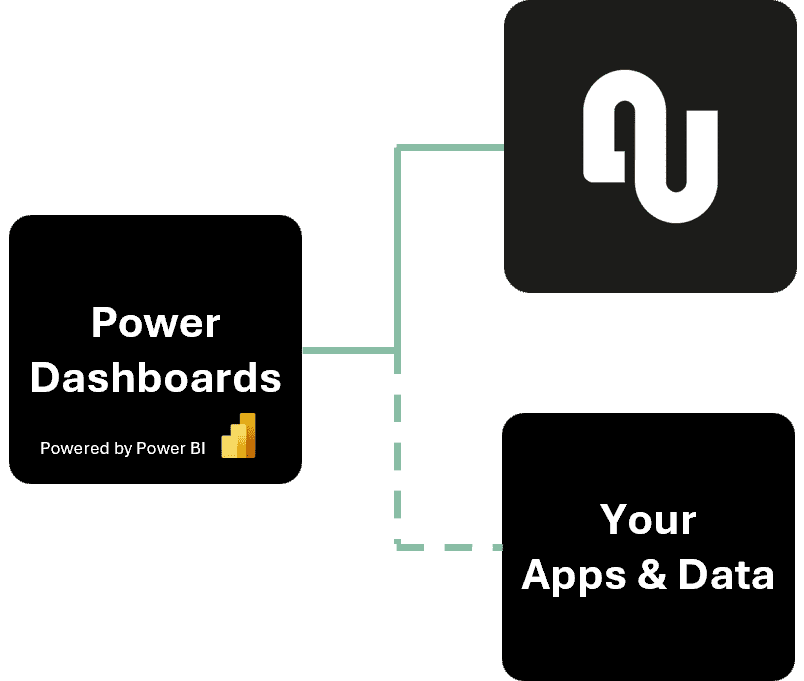
With nps.today Power Dashboards, there’s no need to learn a new dashboarding or data analytics tool – or settle for the limitations of vendor-specific platforms.
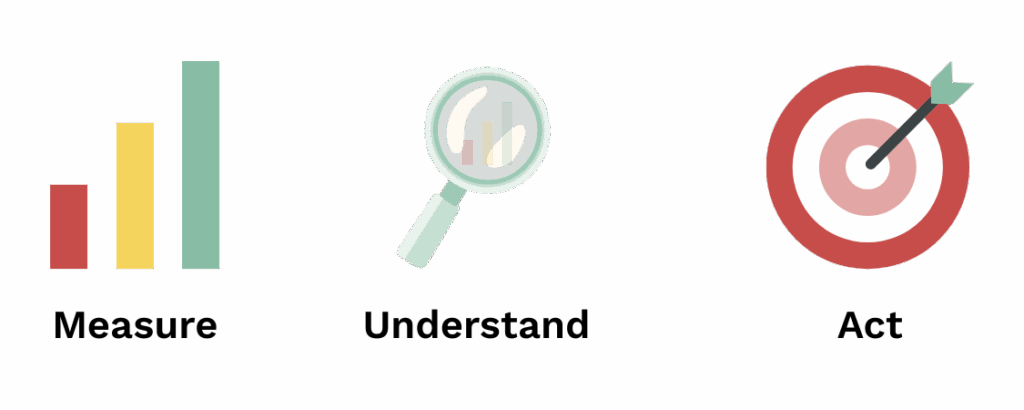
Power Dashboards is a native Microsoft Power BI app, seamlessly connected to nps.today. It’s delivered as a complete Power BI file that can be fully extended, customized, and integrated with your existing data sources. Power Dashboards offer intuitive, interactive plug-and-play dashboards -perfect for both high-level insights and deep-dive feedback analysis.
Additionally, all open text responses can be automatically translated into English, enabling enriched and consistent analysis across multiple languages.
Enrich Responses
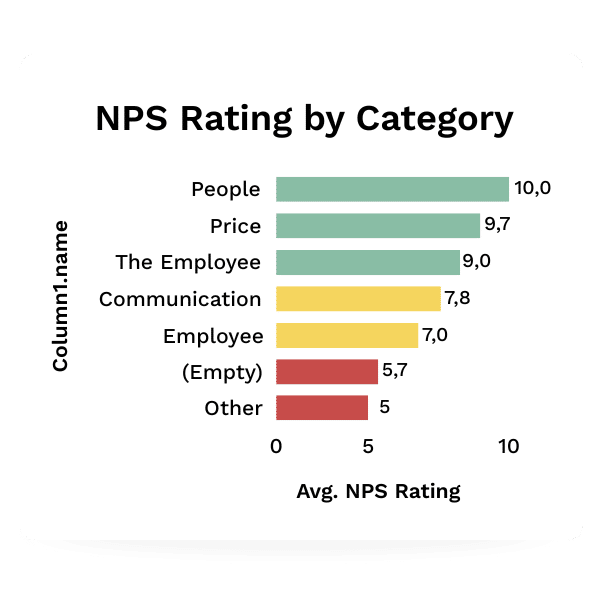
Main reason mapping is the cornerstone of prioritized and effective actions.
Sometimes respondents provide the main reason directly in the survey if reason mapping is enabled on the survey. If not, you can add the reason manually, which makes sense in a low-volume scenario. For higher volumes, AI-based categorization within Power Dashboards makes the process scalable and efficient. Clear and simple reports that highlight the key reasons – understood by everyone – are essential for making action-oriented decisions.
If you want to dive deeper, Power Dashboards AI can also analyze the sentiment behind open text responses. Since feedback is often more nuanced than just “positive” or “negative,” sentiment analysis helps you uncover both what worked well and what didn’t.
Understand Responses
Your customer feedback and recovery actions can be grouped and analyzed in multiple ways, including:
- Individual responses with 1:1 follow-ups
- Customer-specific insights and actions
- Journey and transaction-based feedback
- Team-level responses and actions
- Employee-related feedback
- Brand-level insights
- Overall experience and relationship drivers
…and more.
Responses can be translated and enriched with features like main reason mapping and sentiment analysis. Enriched feedback leads to deeper understanding and enables more precise rules for both automated follow-up actions and your broader transformation initiatives.
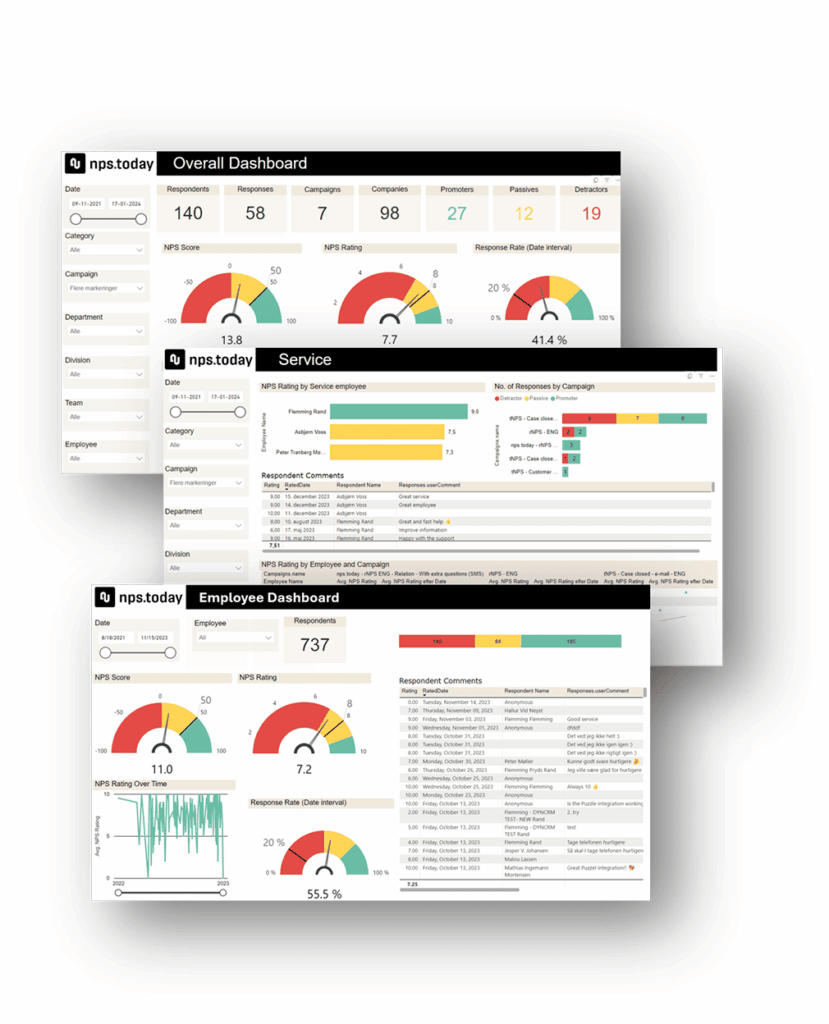
With Power Dashboards, you gain an instant overview at the corporate, departmental, and touchpoint levels. Easily drill down from high-level trends to specific customers, products, and even individual employee responses and average ratings.
Built-in AI capabilities provide clear, actionable summaries based on large volumes of responses – helping you understand what your customers are saying, whether at a macro level or within a focused area of interest.
Share Responses
Sharing customer feedback with the right people at the right time is key to any successful CX program. This includes real-time alerts, individual notifications, follow-up actions, and high-level reports to support broader transformation initiatives.
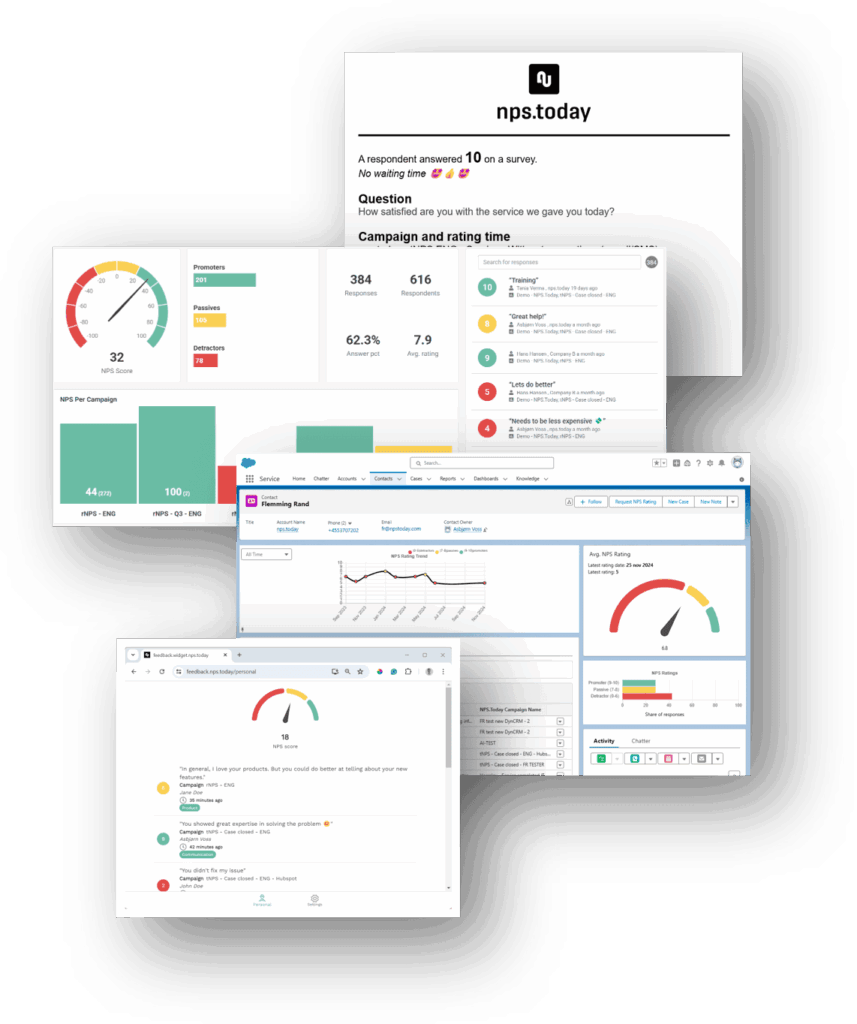
The easiest way to share feedback is through Response Notifications and Live Web Dashboards – standard features in nps.today. Notifications can be tailored to include specific feedback data, while Live Dashboards can be configured to display relevant survey campaigns and results.
The most effective way to share customer feedback is directly within the customer-facing tools your employees already use. This could be a pop-up in the contact center when a customer calls, or directly on the contact or company record in your CRM. nps.today offers plug-ins for all major customer platforms
Not all organizations have a CRM system – or access may be limited to certain teams. As a solution or supplement, the Feedback App gives every employee easy access to customer feedback. It works in a browser, within Outlook, or can be embedded into your internal systems (if supported). Employees can view customer responses, as well as their own feedback and average score for a selected period.
With Power Dashboards, employees can also subscribe to preset digest reports, delivered with the right frequency – perfect for weekly customer success meetings and continuous improvement.
Ready to turn feedback into insight?
Understand customer feedback faster with AI and Power BI dashboards
See how nps.today helps your team enrich, analyze and share NPS, CSAT and CES feedback with AI-powered insights, sentiment analysis, automated reason mapping and customizable Power BI dashboards.analyze it with AI and turn insights into follow-up.
- AI Feedback Assistant built for NPS, CSAT and CES
- Power BI dashboards for CX insights and reporting
- Sentiment analysis, reason mapping and feedback sharing