Service & Contact Center
Customer Experience for Service & Contact Center
Use NPS for Service & Contact Center to measure how customers experience your support, contact center, self-service, repair, return and field service interactions.
Customer service is often where loyalty is won back or lost for good. A fast answer is not always enough. Customers remember whether their issue was understood, resolved and followed up at the right time.
nps.today helps service and contact center teams collect NPS, CSAT and CES feedback after the interactions that shape trust, resolution and long-term customer loyalty.

Why NPS Works for Service & Contact Center
Service is not only a support function. It is one of the strongest signals customers use to decide whether they trust your company.
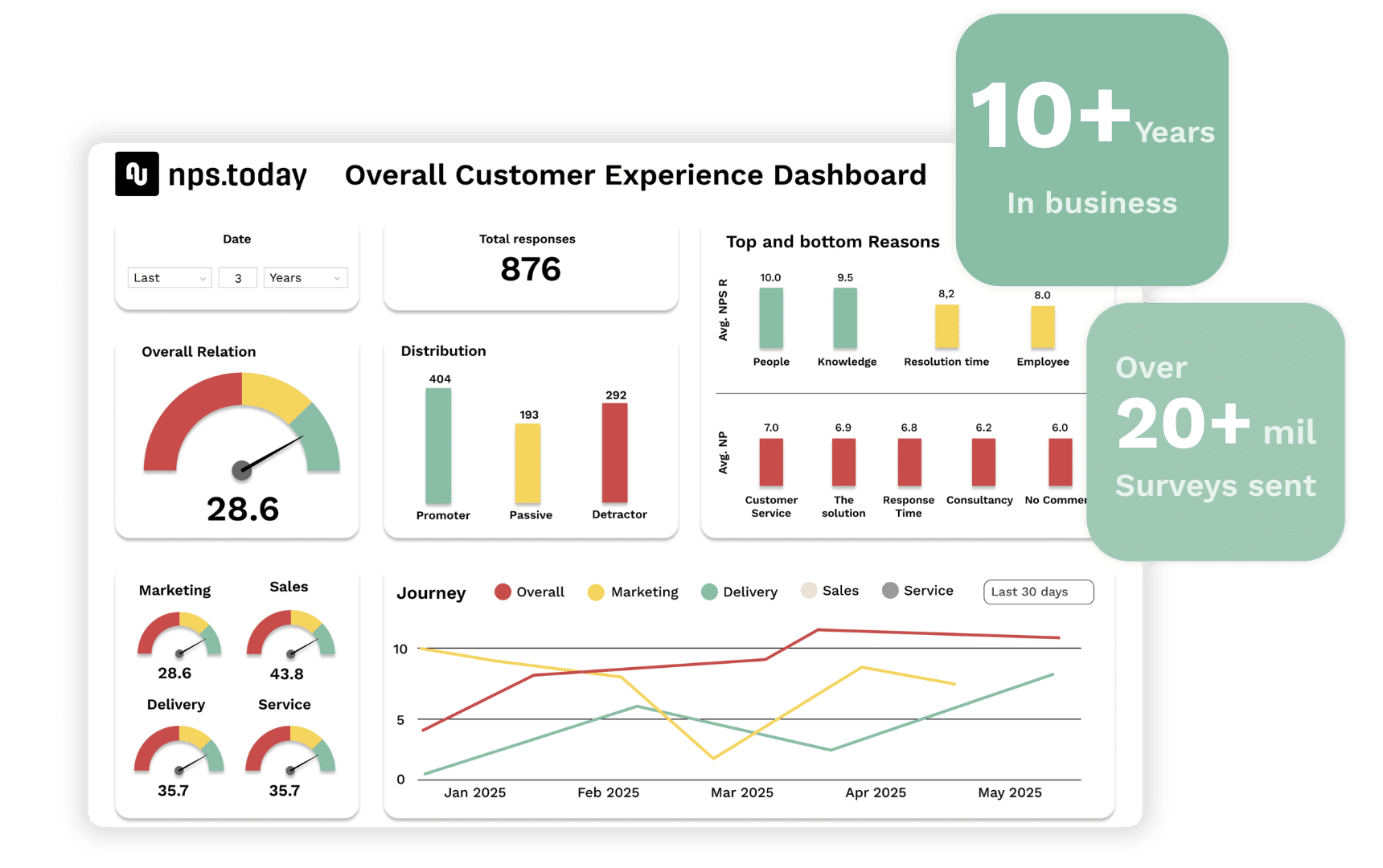
NPS for Service & Contact Center helps you understand what happens after a call, email, chat, ticket, repair, return or self-service interaction. You can see whether the customer’s problem was solved, whether the experience felt easy, and whether the interaction strengthened or weakened the relationship.
With nps.today, customer feedback becomes more than a score. It becomes a way to improve resolution, coach employees, reduce repeat contacts and close the loop when customers are still engaged.
The NPS method is ideal for service and contact center teams because it is:
- Omnichannel-ready: Measure feedback across phone, email, chat, tickets, self-service and field service.
- Resolution-focused: Understand whether the customer’s issue was actually solved.
- Coaching-driven: Turn feedback into learning, training and better conversations.
- Customer-focused: Measure empathy, effort, clarity and perceived service quality.
- Timely: Trigger alerts and follow-up while the experience is still fresh.
New to NPS? Learn how the method works here
Feedback after service interactions matters
Customers usually contact service because something is unclear, delayed, broken or unresolved.
That makes service feedback different from general customer feedback. It happens in moments where the customer often needs help, reassurance or a fast solution. If the experience is handled well, it can increase loyalty. If it is handled poorly, it can create churn, complaints and negative word of mouth.
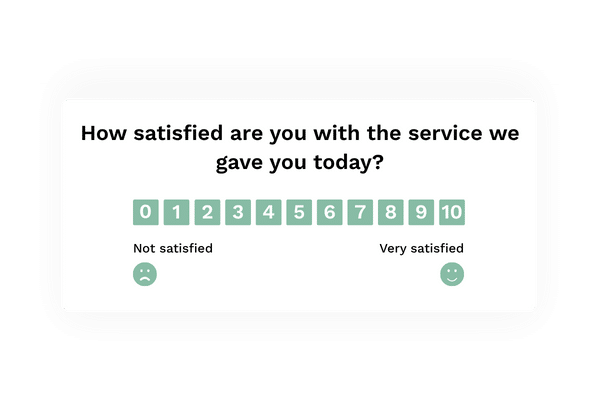
With nps.today, you can collect short surveys after service interactions and route negative feedback to the right team before the customer gives up.
Use customer feedback to improve:
- First contact resolution
- Agent coaching and training
- Customer effort and ease of service
- Self-service and knowledge base quality
- Ticket handling and case follow-up
- Returns, repairs and claims
- Field service experience
- Service recovery and customer retention
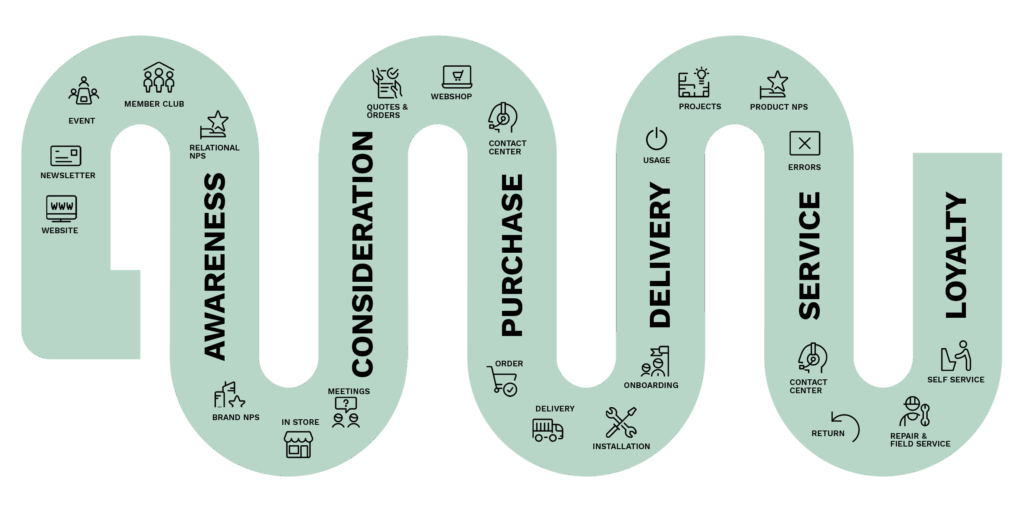
Here are some service and contact center survey program examples
Contact Center
Collect feedback after phone, email, chat, social or ticket interactions. Understand whether the customer’s issue was solved, whether the answer was clear, and whether the conversation felt helpful. Use feedback to coach agents and improve team performance.
Return
Send a survey after a completed return to understand whether the process was clear, fair and easy. Use feedback to reduce frustration, improve return communication and increase the chance of winning back customers after a negative product experience.
Repair
Measure satisfaction after internal or outsourced repairs. Find out whether customers felt informed, treated fairly and confident in the result. Use poor feedback to trigger corrective action and manage repair partners based on customer experience facts.
Field Service
Collect feedback by SMS or email after field service visits. Understand whether the service was completed, whether the technician communicated clearly, and whether the customer felt helped. Use feedback to train teams and monitor external service providers.
Self Service
Embed surveys in help centers, portals, FAQs or self-service flows to understand whether customers found what they needed. Measure whether the problem was solved without contacting support, and use feedback to improve content, navigation and digital service journeys.
Replace disconnected surveys with one service feedback framework
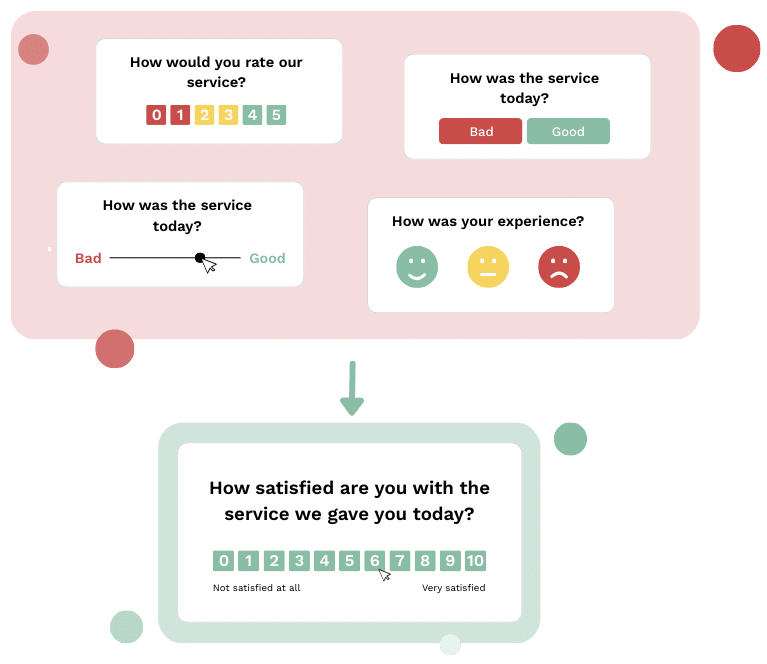
Service organizations often collect feedback across contact centers, ticketing systems, CRM platforms, field service, self-service portals and repair processes. When every team uses different tools, formats and scales, customer insight becomes fragmented.
Fragmented feedback makes it difficult to understand service quality across the full customer journey or compare experiences across channels, teams and case types.
nps.today gives service, contact center, CRM, support and management teams one shared customer feedback framework. Everyone can see whether a score is good or bad, what customers are saying, and which actions need to happen next.
One Cross-Platform CX Solution
To manage service feedback properly, you need a solution that works across the systems your teams already use.
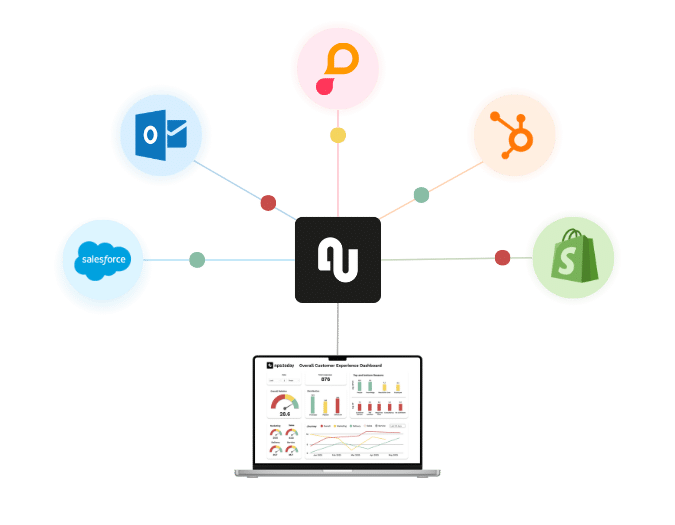
With nps.today plug-ins and Connect Kit, you can trigger surveys, manage send-outs, apply anti-spam rules and share response data across CRM, ticketing, contact center, self-service and case management systems.
Use integrations to connect feedback with:
- CRM platforms
- Ticketing systems
- Contact center platforms
- Case management tools
- Customer service and support systems
- Self-service portals and knowledge bases
- Field service systems
- BI and reporting dashboards
This makes it easier to automate feedback collection and make responses visible where service teams already work.
Improve first contact resolution
Use customer feedback to understand whether customers actually got the answer they needed the first time. Identify repeat-contact drivers, unclear answers and cases where the system says “resolved” but the customer disagrees.
Coach agents with real customer feedback
Customer comments show what great service sounds like and where conversations break down. Use feedback to coach agents on empathy, clarity, ownership and problem-solving based on real customer experiences.
Improve self-service success
Self-service only works when customers can solve their problem without extra effort. Use feedback from help centers, portals and knowledge bases to identify missing content, confusing navigation and articles that do not answer the real question.
Reduce complaints and escalations
Use low scores, negative comments and unresolved case feedback to trigger alerts before issues grow. Fast follow-up can prevent complaints, protect customer relationships and give teams a clearer view of recurring service problems.
Strengthen service recovery
A bad experience does not always mean the customer is lost. With the right follow-up, service teams can recover trust. Use NPS, CSAT and CES feedback to identify who needs attention and what kind of action is needed.
Share and monitor feedback in real time
Service feedback should not stay inside a survey tool.
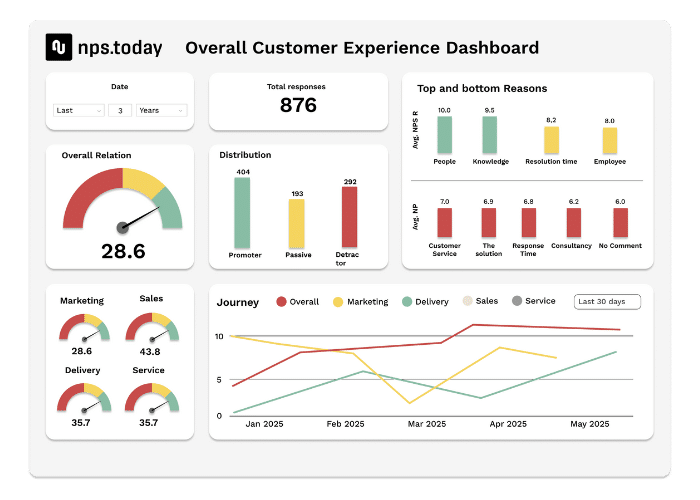
nps.today helps teams share customer feedback through dashboards, notifications, web apps, mobile views and reports. Service managers, agents, support teams and leadership can monitor results by channel, agent team, service category, region, case type or customer segment.
Set up alerts and workflows so negative experiences are handled quickly, positive feedback is shared with employees, and recurring service issues become visible in team meetings and dashboards.

Understand what drives service satisfaction
Scores show what happened. Customer comments explain why.
Use reason mapping and AI-driven feedback analysis to identify themes, sentiment and drivers behind customer ratings. See what promoters value, what passives are missing, and what detractors need fixed.
With Service & Contact Center Power Dashboards, you can analyze feedback by channel, agent team, service category, region, case type, resolution status or customer segment.
This gives service teams a clearer view of what drives trust, loyalty, repeat contact, complaints and customer effort.
Easy implementation with Service & Contact Center best practices
nps.today includes best-practice templates, survey flows and plug-and-play integrations for service and contact center teams.
You can launch feedback programs without long consultancy projects or complex IT implementation. Start with one journey, such as post-call feedback, ticket surveys or self-service feedback, and scale into a full customer feedback program across all service channels.

FAQ about NPS for Service & Contact Center
What is NPS for Service & Contact Center?
NPS for Service & Contact Center is a way to measure how customers experience support interactions across phone, email, chat, tickets, self-service, repairs, returns and field service.
How can contact centers use NPS?
Contact centers can use NPS to understand whether customers are satisfied after service interactions. Feedback can show whether issues were resolved, whether agents communicated clearly, and where coaching or process improvements are needed.
What is the difference between NPS, CSAT and CES in service?
NPS measures recommendation and loyalty. CSAT measures satisfaction with a specific interaction. CES measures how easy it was for the customer to get help. Service teams often use all three depending on the touchpoint.
Which service touchpoints should we measure?
Common touchpoints include calls, emails, chats, tickets, self-service visits, returns, repairs, complaint handling, field service visits and case closures.
Can service feedback be connected to CRM or ticketing systems?
Yes. nps.today can connect feedback to CRM, ticketing, contact center and case management systems, so responses can trigger alerts, follow-up tasks, workflows and customer pulse views.
Customer Experience for Service & Contact Center
Turn service feedback into better customer experiences
See how nps.today helps service and contact center teams collect NPS, CSAT and CES feedback across phone, email, chat, self-service, field service and support cases — with automated survey triggers, CRM and ticketing integrations, real-time notifications and AI-powered feedback insights.
- Omnichannel NPS and CSAT surveys for contact centers and support
- Customer feedback across CRM, ticketing, self-service and field service
- Closed-loop follow-up, Power Dashboards and AI feedback analysis